 Business


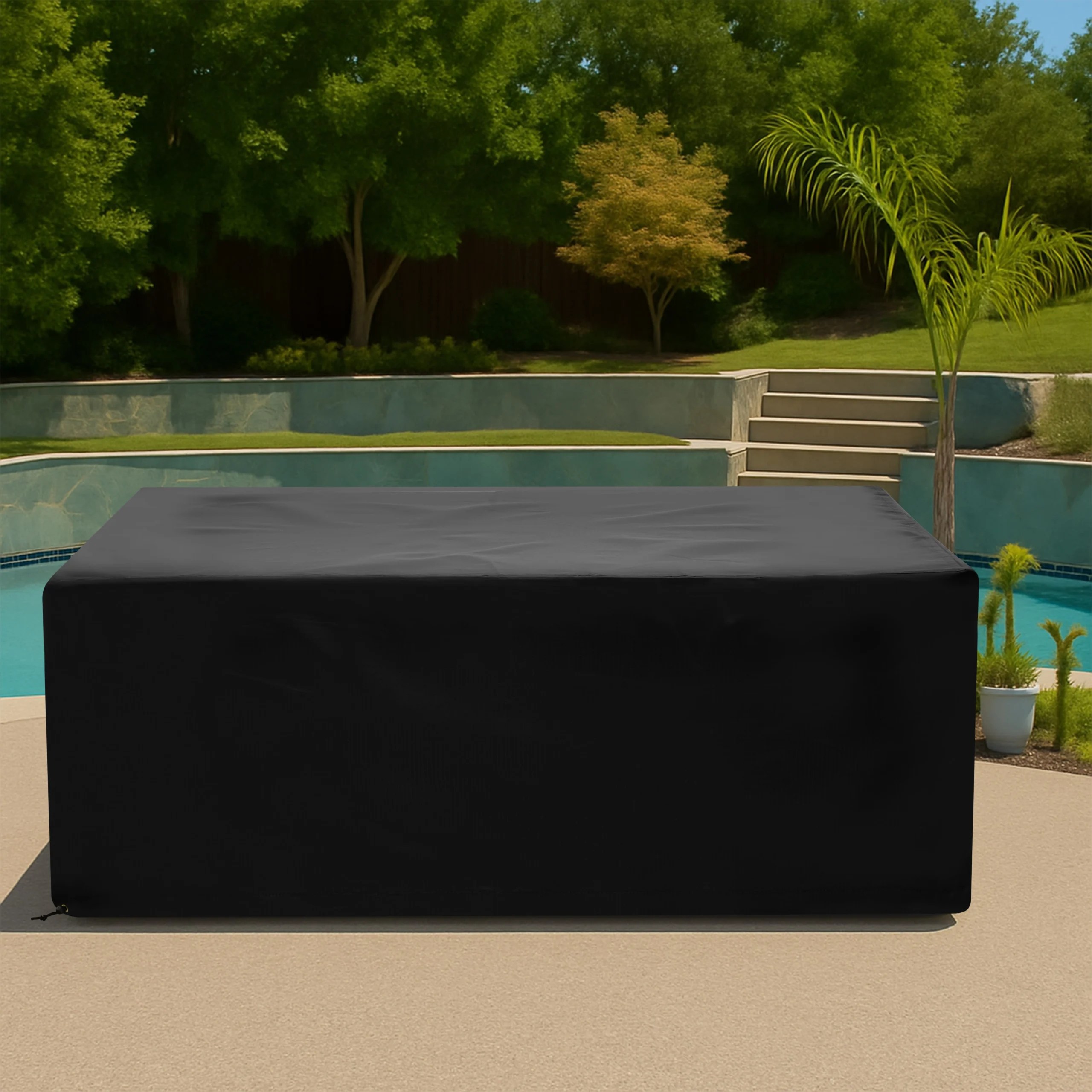




Commercial Outdoor Covers: Build an Asset Register Before You Request a Quote

Commercial outdoor covers are easier to quote, label, deploy, and [...]
Commercial outdoor covers are easier to quote, label, deploy, and reorder when the project begins with an accurate asset register. A property may have forty chairs that are identical, six tables that only look identical, several heater models, and one service cart with a permanent retrofit. Treating every object as a one-off slows decisions and invites sizing errors.
An asset audit converts a mixed terrace, hotel, dealership, or facility into repeatable cover groups. The goal is not complicated software; it is a consistent record that connects each physical item to photos, dimensions, exposure, handling needs, and an approved cover specification.
Define the area and the owner of the audit
Start with a bounded site or operating zone: the north terrace, pool deck, loading area, rooftop lounge, or equipment yard. Assign one person to control item names and measurement conventions. Multiple teams can collect information, but one owner should resolve duplicates and approve the final list.
Record the date and operating configuration. Furniture moved into event layouts or equipment mid-installation may not represent the shape that will actually be covered.
Create a simple asset ID structure
Give every unique cover group a short ID that people can read in the field. A useful format combines location, type, and sequence, such as TERRACE-TABLE-01. Do not encode every dimension into the ID; sizes can change after verification.
Use a removable tag during the audit so photographs and measurements stay connected. Avoid adhesive labels on finished surfaces unless the property team approves them. The final cover can use a separate labeling method chosen for the site.
Group truly identical assets
Manufacturer, model, and purchase batch are helpful clues, but physical checks still matter. Replacement cushions, casters, accessories, repairs, and field modifications can change the installed envelope. Measure at least one sample from each apparent group and spot-check the rest.
- Group A: identical dimensions, profile, and installed accessories.
- Group B: same base product with a repeatable modification.
- Unique: one item or an asset with a nonstandard field condition.
- Pending: inaccessible or incomplete item that requires a second visit.
Avoid averaging near-matches. A single approved size can serve a group only when the chosen fit allowance works for every item in that group.
Capture the minimum useful record
For each group, record the asset ID, location, quantity, manufacturer or model when known, overall dimensions, key profile changes, preferred lower edge, and handling frequency. Add front, side, rear, and context photographs with the asset tag visible.
Note whether furniture will be covered individually, nested, stacked, or arranged as a complete set. The cover footprint must match the storage configuration, not necessarily the daytime floor plan.
Record exposure as an operating condition
Two identical assets may need different features when one sits under a roof and the other faces open wind. Record sun direction, prevailing wind, roof runoff, irrigation spray, snow storage, salt exposure, dust, and standing-water risk.
Also document surface conditions. Rough masonry affects hem abrasion, while a rooftop may impose stricter wind-control rules. Compare protection levels on Our Fabrics after the exposure notes are complete.
Map the installation and removal workflow
Commercial teams handle covers on a schedule. Record who installs them, how many people are available, where covers are stored, and how quickly the area must open. A large one-piece cover may reduce SKU count but become impractical for one employee to lift.
Identify handles, zippers, split panels, and fastening points that support the routine. Note wall clearances, narrow service paths, high installations, and any item that must remain accessible while covered.
Separate safety constraints from preferences
Mark hot equipment, electrical components, air intakes, exhausts, moving parts, emergency access, and manufacturer-required clearances. Covers must only be installed after required shutdown and cooldown procedures. A preferred color or logo location should never obscure a safety constraint.
For heaters, grills, kitchens, and powered equipment, attach the manufacturer instructions or facility procedure to the asset record. The cover quote can then reflect the intended storage condition rather than an unsafe assumption.
Use a sample approval before scaling
For a large group, approve a sample or prototype against the real asset before releasing the full quantity. Check installation, removal, runoff, fastening, access, labeling, and storage. Photograph the approved fit and record any dimension or feature change.
The CoversForge article on working factory-direct explains why specification feedback and repeat consistency matter beyond the first order.
Turn the approved register into a reorder tool
After delivery, add the approved cover reference, fabric, color, feature list, quantity, and review date to each asset group. Record replacements, new assets, and retired equipment instead of recreating the project from memory.
A seasonal inspection can then answer practical questions: which covers are missing, which assets changed, which high-wear locations need review, and what can be reordered from an approved specification.
Prepare a cleaner commercial quote request
Send the asset register, grouped quantities, labeled photographs, dimensions, exposure notes, safety constraints, and delivery location together. Flag uncertain items rather than hiding gaps. A smaller verified first phase is often more useful than a large unverified list.
Explore CoversForge commercial sales for repeatable cover programs, or use Business Inquiries to share your site, quantities, timeline, and asset register with the team.
Share This Article


