 Business





Ambient Display Case Covers: Measure Glass, Shelves, Doors, and Service Access

An ambient display case combines fragile glass, polished trim, shelves, [...]
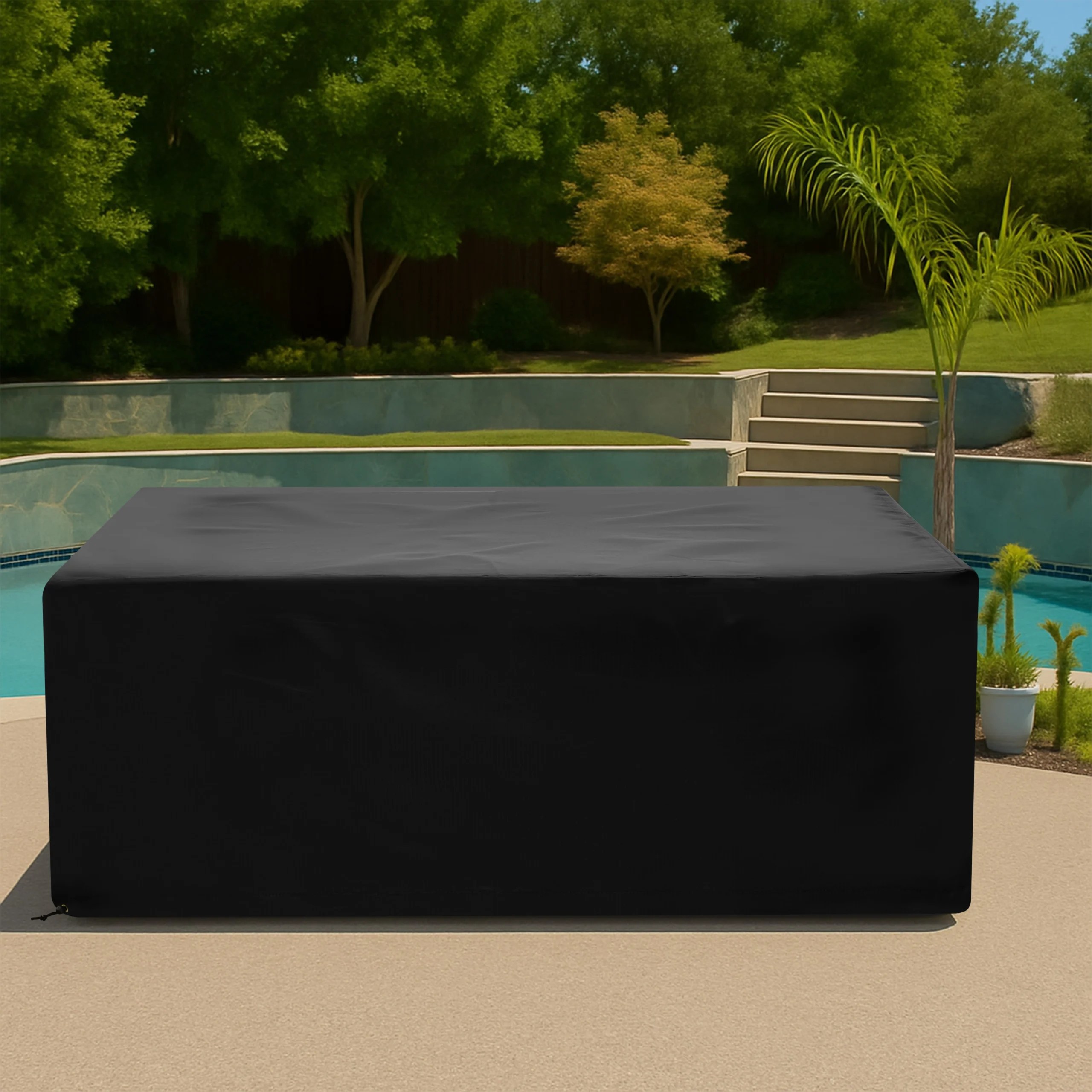
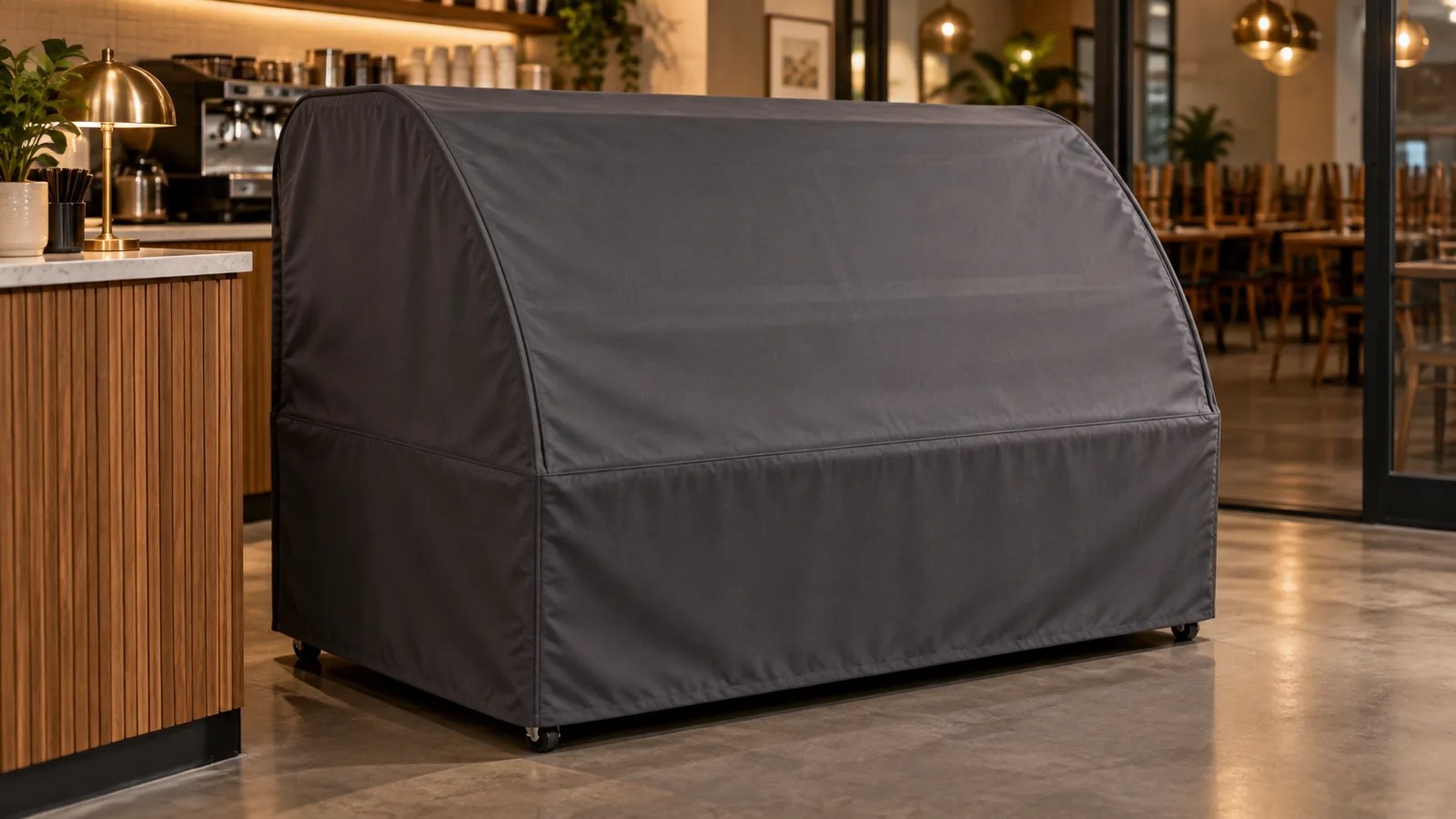
An ambient display case combines fragile glass, polished trim, shelves, customer-facing panels, rear doors, handles, signs, feet, and sometimes lighting or point-of-sale accessories. An ambient display case custom cover should protect a cleaned, empty case without pressing against glass edges or hiding a device that still needs power, airflow, or staff access.
Remove food, trays, labels, and loose merchandise before measuring. Disconnect optional electrical accessories only according to their manuals, let lights cool, clean food-contact surfaces, and dry every panel. A cover does not make food storage safe, replace sanitation procedures, or permit an appliance to operate without required ventilation and inspection.
Define the Case Configuration
Record the manufacturer, model, freestanding or countertop installation, and the exact storage position. Photograph the customer side, staff side, both ends, top, and base. State whether doors, shelves, risers, signs, and lighting remain installed so the pattern reflects one repeatable configuration.
Measure the Full Glass Envelope
Follow How to Measure to capture maximum width, depth, and height across glass, frames, seals, and trim. Measure at several elevations because a curved or stepped case may project farther at the canopy than at the deck. Never use the glass as a support while reaching.
Map Curves, Slopes, and Corner Radii
For curved fronts, record the chord width, maximum projection, end heights, and a side-profile template or dimensioned photo. For sloped glass, measure top and bottom depths. Identify exposed glass corners and metal caps that need clearance rather than tight fabric pressure.
Document Doors and Staff Access
Measure sliding, hinged, lift-up, or drop-down doors in the closed storage position. Locate handles, hinges, locks, stops, and door tracks. Decide whether the cover comes off completely before service or includes deliberate access. Never operate a door against fabric or use the cover to hold it shut.
Include Shelves and Interior Projections
Record fixed shelf edges, removable risers, brackets, lamp housings, sneeze guards, and tray rails that affect the outside profile. Empty and secure the case first. Loose shelves or trays should be stored according to the maker’s instructions rather than left where they can shift into glass.
Measure Signs, Handles, and POS Accessories
Locate menu holders, price rails, top signs, card readers, cable exits, label printers, and customer handles that remain attached. Measure their projection and distance from labeled corners. Remove valuable or detachable electronics when practical and never trap a powered heat-producing device under fabric.
Record the Base and Floor Interface
Measure feet, casters, toe kicks, leveling pads, lower doors, bumper rails, and floor clearance. Apply wheel brakes where provided. Set the desired hem above wet-mopping zones and keep closures clear of walkways, service panels, and any opening required by the equipment maker.
Choose a Clean-Handling Fabric
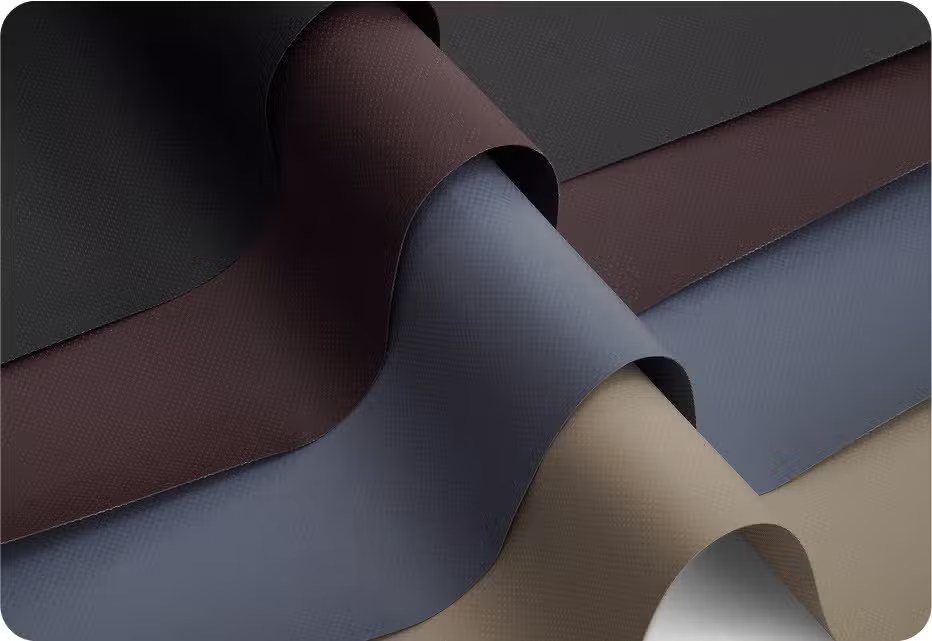
Compare abrasion resistance, water behavior, flexibility, finished weight, and cleaning instructions on Our Fabrics. Explore Equipment Covers and Custom Covers. A smooth, manageable cover reduces dragging across clean glass and decorative trim.
Plan Installation and Storage
Identify one orientation label and lower the cover from the tallest rigid point without scraping corners. Use two people when the case is wide or glass is difficult to reach. Store the removed cover in a clean, dry location away from food preparation, customer traffic, and sharp service tools.
Prepare the Ambient Case Brief
Send the model, overall envelope, curved or sloped profiles, glass edges, doors, handles, shelves, signs, accessories, base, desired hem, cleaning routine, operating state, and labeled photos. Review Ambient Display Case Custom Covers or Request a Quote.
Frequently Asked Questions
Can merchandise remain in the case?
No. Empty, clean, and dry the case according to food-safety and equipment procedures before fitting the cover.
Should I include removable signs in the measurements?
Include only items that will remain installed every time the cover is used, and document their attachment and projection.
May case lighting stay on under the cover?
Follow the equipment manual and cover only in the approved powered-down state unless the manufacturer explicitly permits otherwise.
Turn the Measurements Into a Production-Ready Brief
An ambient case needs a different brief from a refrigerated display. Glass geometry, customer presentation, staff doors, and removable merchandising hardware lead the fit, while sanitation and powered-down handling define when the cover can be installed. Request a Quote when the measurements and photographs are ready.
Share This Article


