 Business




Waterproof Outdoor TV Covers: Fit Around Wall Mounts, Cables, and Vents

People searching for outdoor TV covers waterproof options often focus [...]
People searching for outdoor TV covers waterproof options often focus on screen size, but a wall-mounted television is a three-dimensional installation. The mount, cables, soundbar, power connection, ventilation path, and daily viewing routine all affect whether a cover protects the equipment or creates new problems.
A fitted cover should shield a cool, powered-off television from weather and debris without forcing fabric against controls or trapping moisture around the back. This guide explains the installation details to document before ordering.
Confirm the television is rated for its location
A cover does not convert an indoor television into an outdoor-rated model. Follow the television and mount manufacturers’ requirements for temperature, humidity, direct weather exposure, electrical protection, and clearance. If the installation is not approved for the location, relocate or upgrade the equipment before relying on a cover.
Inspect the roofline and wind-driven rain path. A screen under a deep roof still faces humidity, pollen, insects, and occasional spray, while an exposed installation may need a more comprehensive weather strategy than fabric alone.
Measure the full installed envelope
Record the screen’s outside width, height, and depth, including any permanent trim. Then measure the complete projection from the wall to the front of the screen in its normal storage position. Do not use the advertised diagonal screen size as the cover size.
Photograph the installation from the front, each side, underneath, and above if it is safe to do so. Mark the farthest fixed projection: a lower receiver, rear control box, thick connector, soundbar bracket, or weatherproof outlet enclosure.
Document the wall mount in the parked position
An articulated arm may fold close to the wall, stop at an angle, or leave a hinge outside the television’s rectangular footprint. Measure the TV in the exact position used when covered. If the screen is sometimes left extended, decide whether the cover must fit both positions or whether the screen will always be parked first.
Note where the arm joins the wall and where it meets the television. A rear opening should accommodate the mount without creating a large uncontrolled gap. The opening also needs a practical installation path so the cover can slide into place without pulling on the arm.
Plan cable exits without creating a water path
Power, HDMI, antenna, network, and soundbar cables usually exit near the bottom or rear. Record each cable bundle’s location and the direction it runs. Do not bend connectors sharply or compress cables against the screen edge.
- Route openings downward where practical so rain is less likely to enter.
- Keep cable pass-throughs only as large as installation requires.
- Use a flap or overlap to shield the opening from wind-driven spray.
- Maintain drip loops and electrical protection specified by the installer.
- Never enclose a wet connector or damaged cord.
Allow heat to leave before covering
Turn the television off and let it cool before installing the cover. Screens, power supplies, streaming devices, and soundbars can retain heat after use. Covering active or warm electronics can hold heat and moisture close to components.
Follow the manufacturer’s shutdown guidance and remove any cover before operation. A vent in the cover is not permission to operate the television while enclosed. The goal is controlled storage airflow after cooldown, not active cooling.
Choose closure access for everyday use
A cover that is awkward to remove is less likely to be used consistently. Decide whether you need a bottom zipper, side opening, hook-and-loop flap, or lift-up front panel. The best choice depends on screen height, wall clearance, and whether one person will handle it.
Handles should sit where they support the cover’s weight without loading the screen. For elevated installations, avoid designs that require unsafe reaching or ladder work every day. A professional installer may need to reposition the television or mount before a cover can be handled safely.
Protect the screen surface from abrasion
Wind can move loose fabric across a screen. A tailored shape, smooth interior contact area, and secure closure reduce rubbing. Clean dust and grit from both the screen and cover before installation, following the television maker’s cleaning instructions.
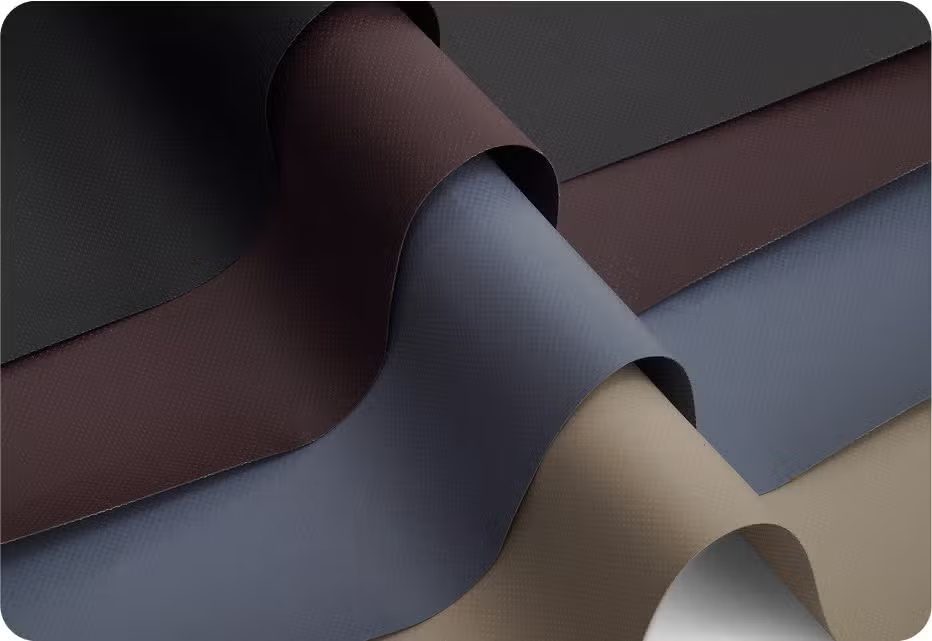
Do not place foam, towels, or damp padding between the cover and screen unless the equipment manufacturer approves it. These materials can retain moisture, shift, or press on the display. Compare weather exposure and fabric handling in Our Fabrics.
Inspect the protected installation after storms
After wind or heavy rain, confirm that the cover remains secure, cable openings still face downward, and no water has collected in a fold. Remove the cover only when conditions are safe and check the wall, mount, outlet enclosure, and lower edge for moisture or debris.
The CoversForge guide to protecting outdoor TVs from dust and heat provides broader seasonal context; this article concentrates on the mount and access details of a fitted cover.
Send the mount details with the quote request
Provide overall installed dimensions, parked projection, mount type, cable locations, closure preference, soundbar details, and clear photos. Note how often the cover is removed and whether the screen is under a roof or exposed to wind-driven weather.
Explore equipment covers for outdoor electronics and unusual installations. For a mount opening, cable pass-through, or integrated soundbar, use Request a Quote to share the complete installed envelope with CoversForge.
Share This Article


