 Business


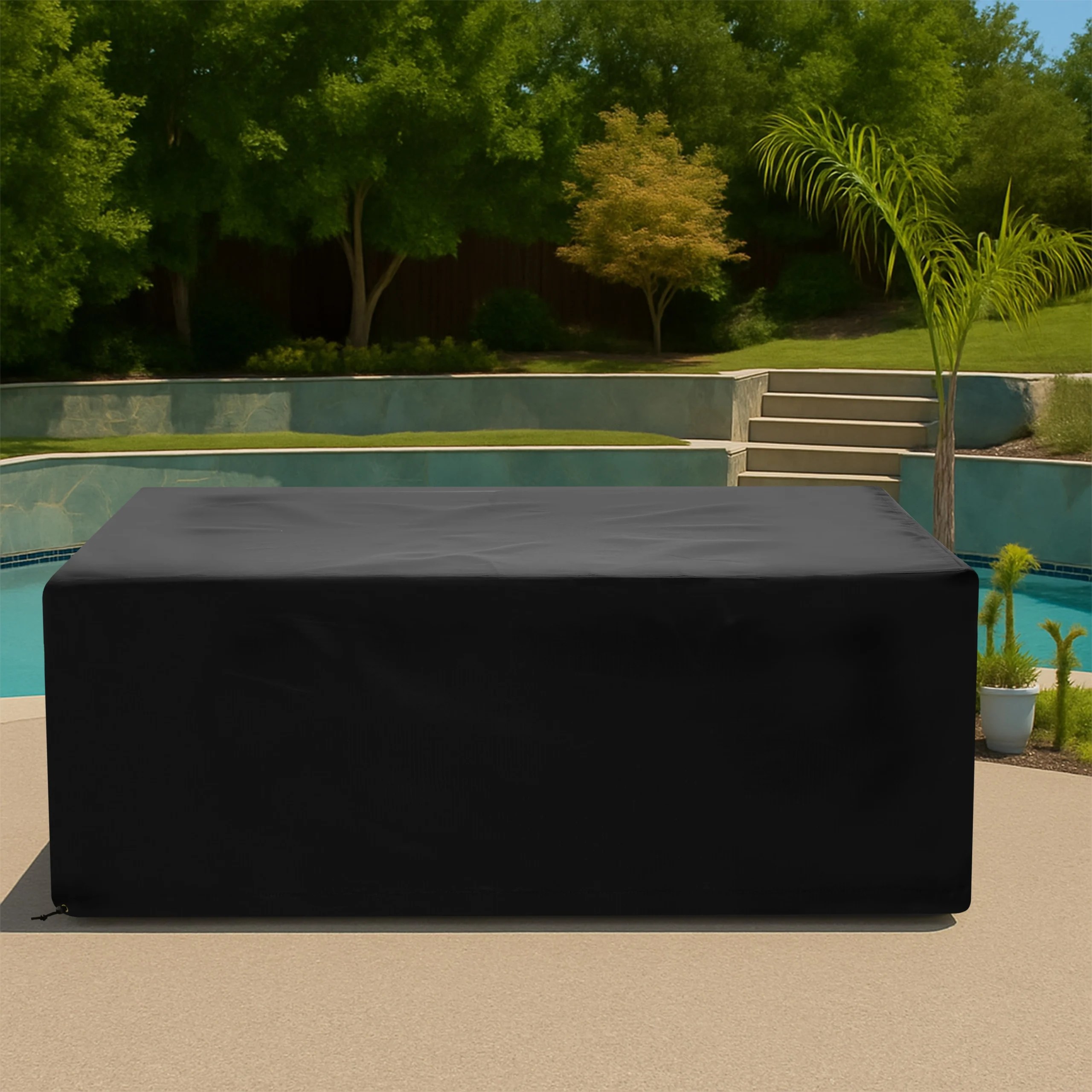




Parking Meter Covers: Fit Heads, Posts, Screens, and Service Access

Measure parking meter covers around heads, posts, screens, payment slots, solar panels, sensors, locks, signs, bases, and authorized service access points.
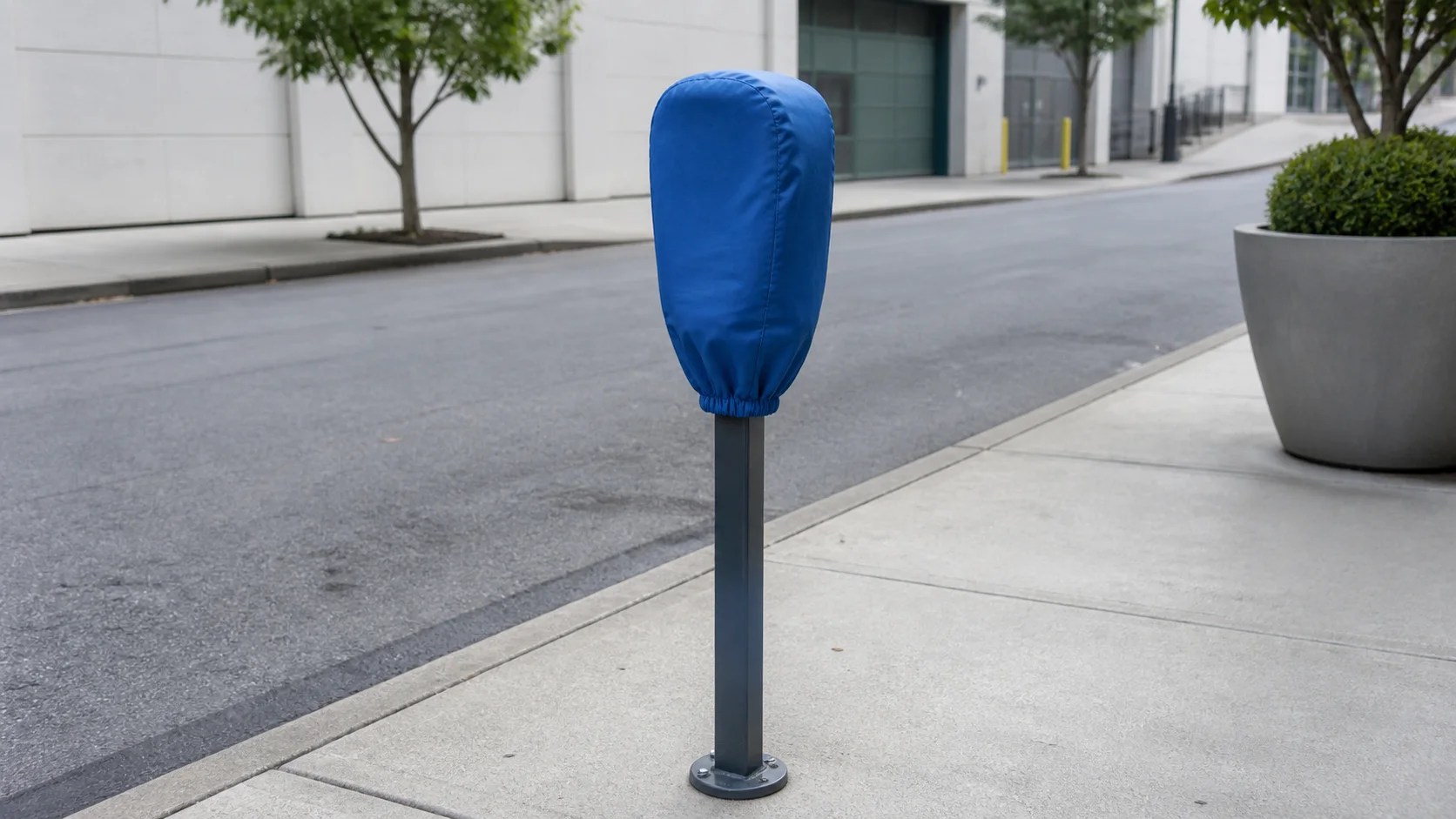
Cities, campuses, venues, and private operators may need a temporary cover for an inactive or out-of-service parking meter during maintenance, events, weather exposure, or commissioning. Well-fitted parking meter covers should match the meter head, post, screen, payment hardware, solar panel, locks, and any required notice without implying authority the user does not have.
Use a cover only with written permission from the meter owner and in accordance with parking, accessibility, traffic-control, and public-notice rules. Never cover an active meter, enforcement sensor, sign, or payment point to avoid fees or mislead drivers. Authorized staff should control installation, wording, duration, inspection, and removal.
Document Authority and Operating Status
Identify the agency or property owner, meter asset number, approved purpose, installation window, and responsible contact. Confirm whether the meter is powered down, bagged under an event permit, awaiting service, or otherwise officially unavailable. Keep the authorization record with the work order. The physical cover must not replace required digital status changes, curb signs, cones, or regulatory notices.
Measure the Meter Head From Maximum Points
Use How to Measure to record maximum head width, depth, and height across housings, bezels, card readers, coin slots, buttons, camera or sensor modules, and rear service doors. Measure from stable reference planes without pressing keys or inserting objects. Note asymmetry because the front screen and rear lock housing may project differently.
Map the Post, Collar, and Base
Record post diameter or rectangular dimensions, head-to-post transition, mounting collars, protective sleeves, base plates, and nearby anchor bolts. Decide whether the cover ends below the head or extends down the post. Keep the hem above standing water and clear of sidewalk joints, snow-removal equipment, curb ramps, tactile paving, and pedestrian paths.
Protect Screens, Solar Panels, and Sensors
Locate displays, solar cells, wireless antennas, occupancy sensors, cameras, and ventilation openings. Confirm which components may be covered in the approved inactive condition and whether any must remain exposed. Do not apply adhesive to lenses or screens, force fabric into payment slots, or block a live safety or enforcement sensor. Follow the equipment maker’s shutdown and service procedure.
Preserve Locks and Authorized Service Access
Map cabinet keys, cylinders, hinges, collection doors, reset buttons, and technician access. A removal closure can be placed away from public reach or combined with the owner’s approved tamper control, but it must not trap the service door. Never attach a strap to a keyway, payment slot, sign bracket, or electrical cable. Technicians should remove the cover completely before opening the meter.
Choose Fabric for Short- or Long-Term Deployment
Compare UV resistance, water performance, abrasion, flexibility, and printable or label-ready surfaces on Our Fabrics. Related municipal and commercial items can be explored through Equipment Covers. Select materials based on the approved deployment, and do not claim that ordinary fabric provides impact, electrical, or vandal resistance.
Use Clear, Authorized Identification
If wording is required, obtain exact approved copy, typography, contrast, and language from the responsible authority. Avoid unofficial symbols or messages that could be confused with regulatory notices. Asset numbers, removal dates, and contact details may need a protected label zone. A blank cover can also mislead, so confirm the public-information plan before installation.
Secure Without Creating a Public Hazard
Place closures around the stable post or approved head zone with conservative tension. Keep buckles, cords, and strap tails outside pedestrian routes and beyond vehicle mirrors. The cover should not flap into traffic, obscure adjacent signage, or narrow an accessible path. Inspect after wind, rain, snow, or tampering and remove the cover immediately if it becomes loose or unreadable.
Run a Controlled Field Trial
Test on an inactive meter in a protected work area with the owner present. Confirm orientation, screen and lock clearance, hem height, removal time, and visibility from approaching vehicles and pedestrians. Walk the surrounding route to check curb ramps and sightlines. After the first weather event, document movement, moisture, abrasion, and label legibility. Revise the pattern or closure placement before scaling to a block or campus. Maintain an installation and removal log for every asset.
Prepare a Meter-Fleet Specification
Provide meter make and model, head and post dimensions, payment and sensor locations, service-door details, operating status, deployment duration, approved notice artwork, closure and tamper requirements, site conditions, and labeled photos. Review Parking Meter Covers or use Request a Quote. Municipal, campus, and venue teams can standardize fleet records through Business Inquiries.
Frequently Asked Questions
Can anyone place a cover over a parking meter?
No. Installation requires authorization from the meter owner and compliance with parking, public-notice, accessibility, and traffic-control rules.
Should a meter remain powered while covered?
Follow the owner and manufacturer’s approved procedure. Confirm the device’s official status, required ventilation, sensors, and digital system changes before installation.
What should be recorded for a multi-meter rollout?
Track asset number, model, dimensions, approved message, installer, installation time, inspection results, and removal time for every covered meter.
Share This Article

Written by : CoversForge
Follow Us
Latest Articles
September 9, 2026
September 9, 2026